Upload Your Files.
We Ship the Memory Card.
Anywhere.
No cloud logins. No tech headaches. Just secure, fast, personal data delivery. From your device to theirs, on a physical memory card — whether it’s family photos, business files, or creative projects.



Shipped Worldwide — Every Order Tracked
From Orlando to Tokyo — SkyDriveX delivers physical data to 40+ countries. Hover the map to explore active shipping zones.
Why Choose SkyDriveX?
Simple, secure, and stress-free. We combine cloud convenience with the reliability of physical storage — delivered to your doorstep.
See All Features
Effortless Uploads
Upload in just a few clicks — no complicated setup, no wasted time. Works in any browser.

Flexible Storage
Choose the memory card size that fits your exact needs, from small projects to massive archives.

Worldwide Shipping
Send your data anywhere with global delivery, securely packed and tracked every step.

Enhanced Security
Files encrypted and handled with care — protecting your privacy and peace of mind.

Cost & Time Savings
Skip the back-and-forth, long waits, and extra expenses — SkyDriveX does it all for you.

Data You Hold Forever
Permanent, physical backup — your memories in your hands, not just in the cloud.
How SkyDriveX Works
Quick, secure, and effortless — from upload to doorstep in four steps.
Step 1: Upload Your Data
Log in or continue as a guest, then upload the files you want saved or shared. Our platform accepts a wide range of file types — documents, videos, photos — right in your browser.
Learn More
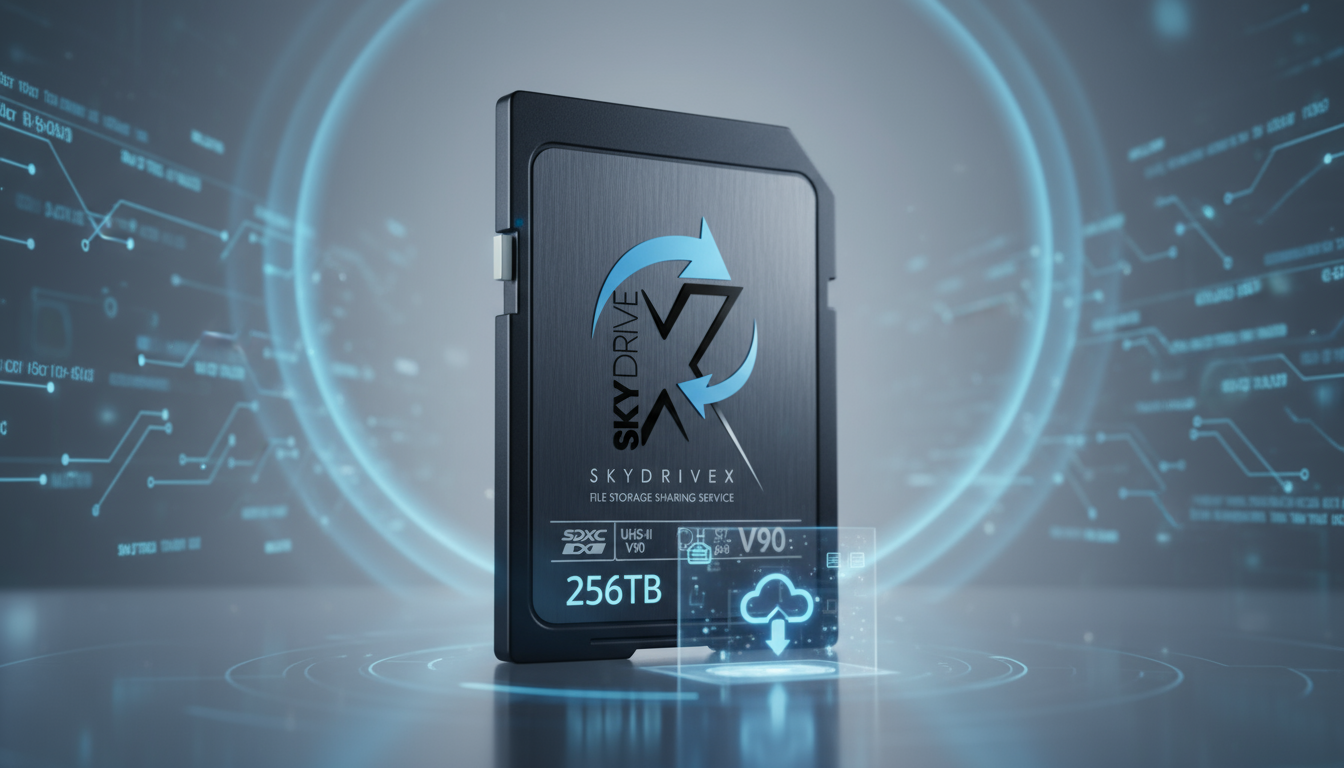
Step 2: Select Your Storage Size
Pick the memory card size that best fits your data — from compact capacities for smaller projects to larger cards for extensive files. You’re always in control of how much space you need.
Choose SizeStep 3: Checkout & Shipping
Securely complete your order. Our team writes your data onto your chosen memory card, carefully packages it, and ships it directly to your door or to any recipient worldwide.
Order Now
Step 4: Receive & Enjoy
Your memory card arrives safely at its destination, ready to use and store forever. No subscriptions, no extra steps — just your files, in your hands.
Get Started


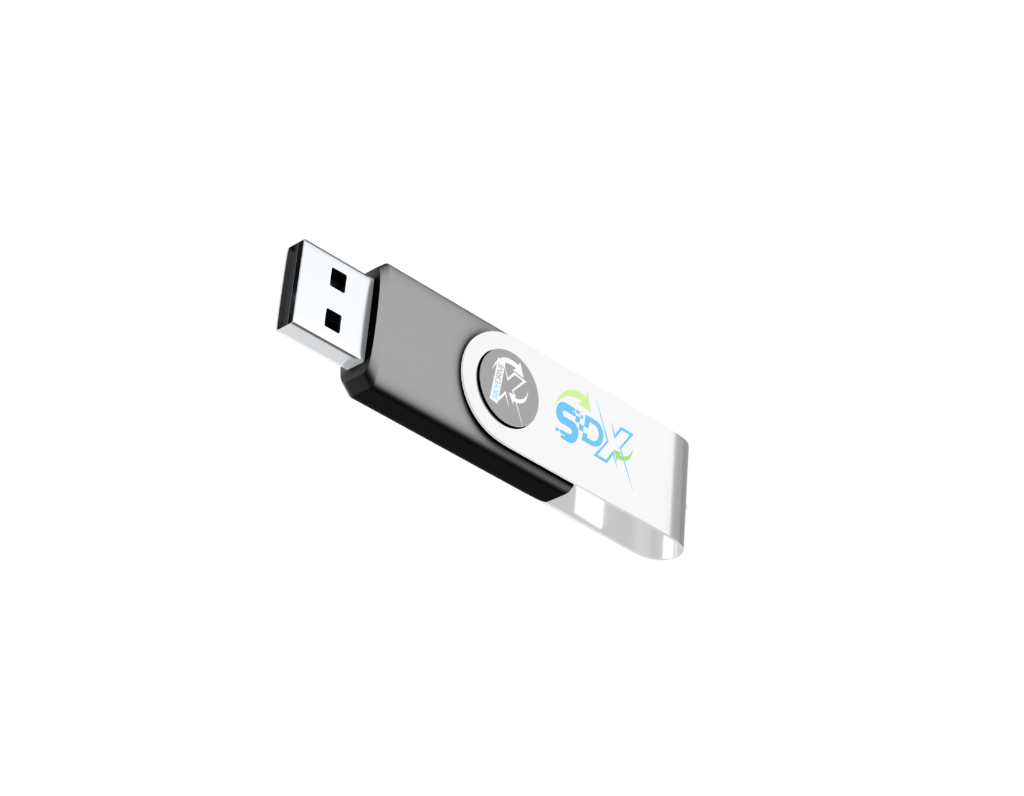
The SkyDriveX
USB Drive.
Our signature drive — pre-loaded with your files, sealed, and shipped ready to use. Unlock your data’s potential. No setup, no passwords, no cloud. Just plug in and everything is there.
Pick Your Capacity
Click a size — our calculator tells you exactly what fits.
Got Questions? We’ve Got Answers.
Everything you need to know about SkyDriveX.
So Easy,
It’s Almost Magic.
Upload. We copy. We ship. Your data in your hands — no cloud subscription, no tech headaches.
Try Today